


















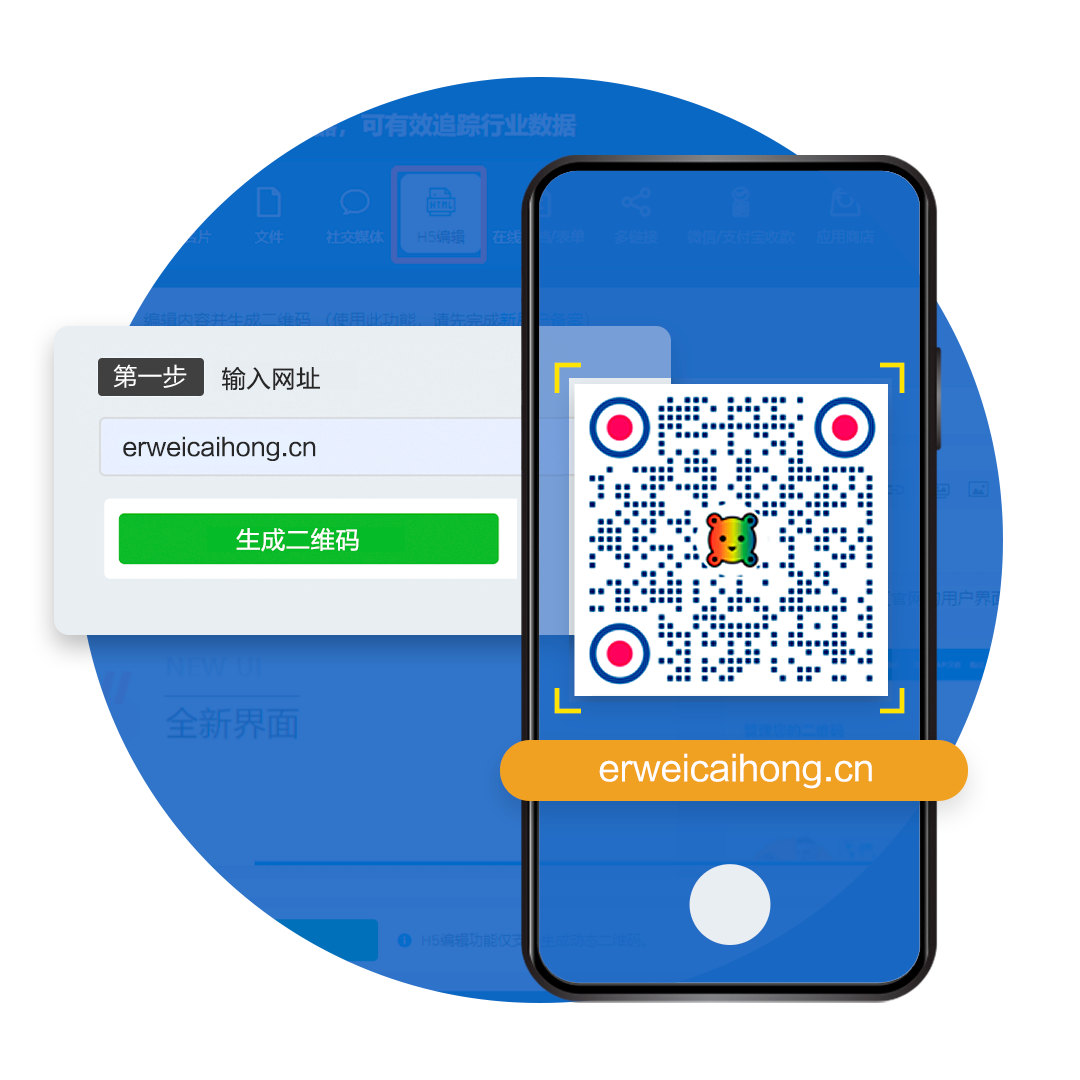
Advanced QR code generator for URLs
Turn links to QR codes with our URL QR code generator for free. Our QR code for URL allows you to share websites or any online resources with a scan. Create a QR code for links now!
Limitless possibilities with a URL QR code
Gone are the days of manually typing in long URLs. Redirect users to any web address with a scan and measure the performance

Go from physical to digital
Use a QR code to link to your website, run promos, share online resources, and give a digital dimension to any product or campaign.

Turn any URL into a QR code
Link to QR Code: Turn a URL into a customizable QR with a logo. Create free, safe-to-scan QR codes online in seconds—fast, easy, and perfect for sharing!
Use cases
Real-world examples of URL QR codes in action

How do I turn a company website into a QR code?
Turn your official website into a clean, highly recognizable QR code in one click, driving traffic from offline materials straight to your site.
View case study
How do I create a QR code that tracks scan data?
Dynamic QR codes track scan count, time, location and device in real time, so you can aggregate and analyze campaign data with ease.
View case study
The creative URL QR code on an Airbus jet!
Breaking out of traditional marketing: a creative QR code painted on an aircraft fuselage for eye-catching cross-media visual marketing.
View case studyHow do I create a URL QR code?
Three simple steps to create and customize your QR code
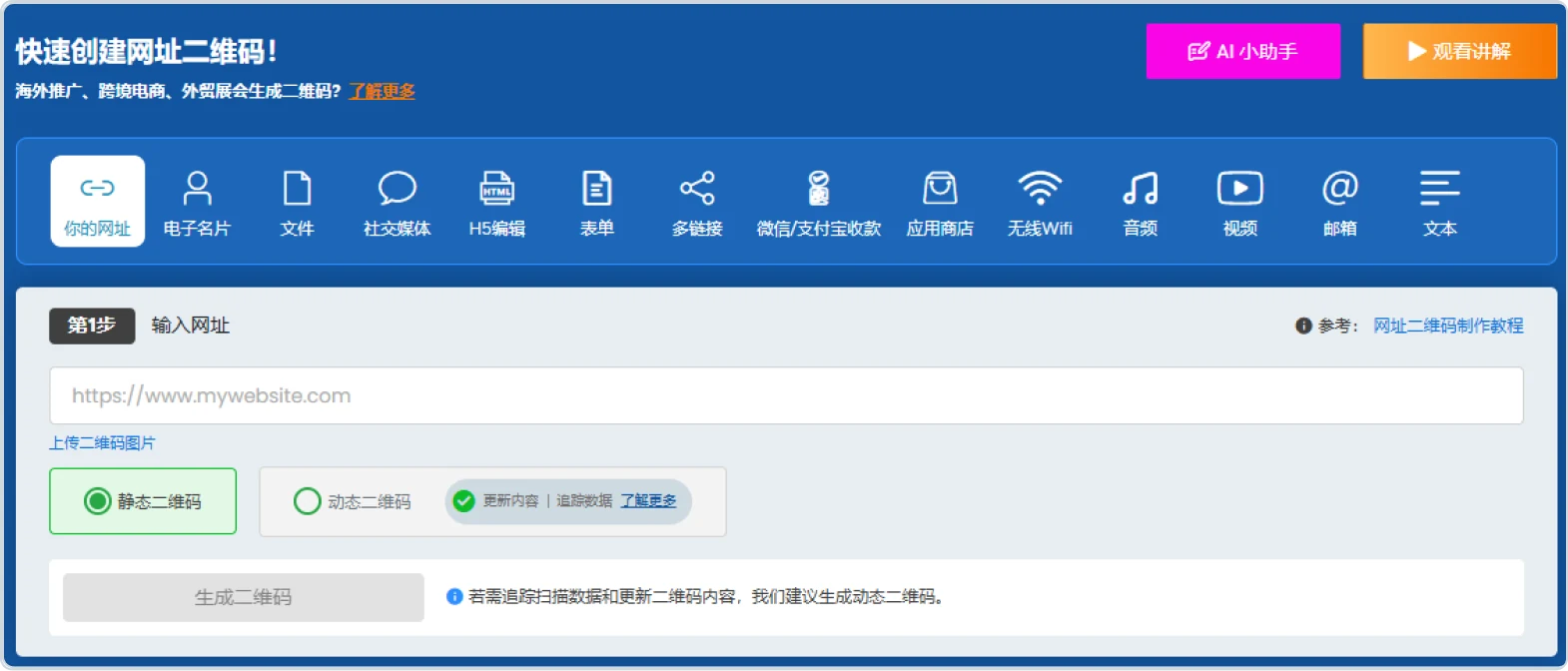
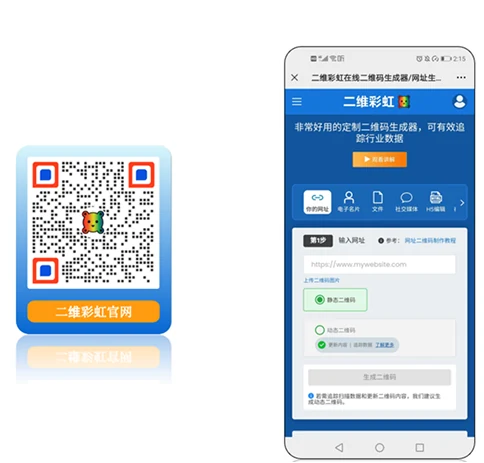
Choose the URL option and enter your link in the field below — your company website, an online video, an article, and so on. Pick either a static or a dynamic QR code, then click Generate QR code. Note the difference between the two: a dynamic QR code can track scan data and let you update the destination link.
Customize your URL QR code — set colors, add your brand logo, add a frame and other design options.
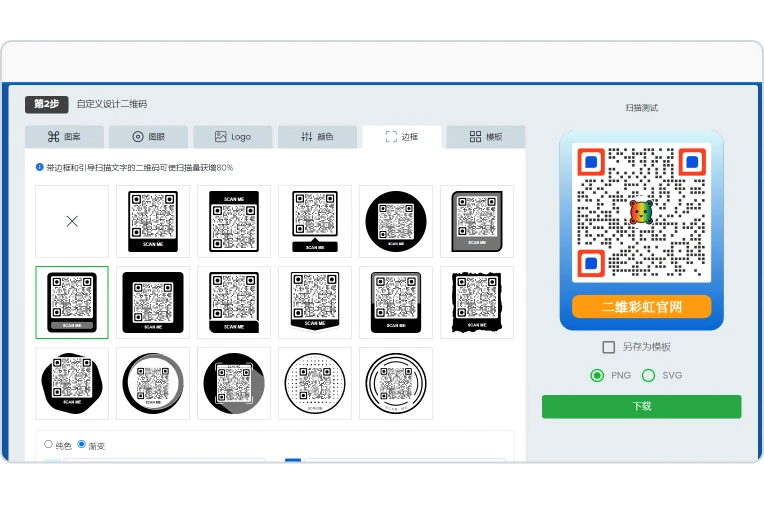
Once you have tested the scan, download and use it — print it on event posters, in brochures, on business cards and more.
What are the advantages of using QR codes for links?
Consider dynamic QR codes as a lifetime investment. You can edit the design and link any time, and get scan insights to meet your objectives

Built-in analytics dashboard
Sort your QR codes into folders and assign to different teams. Track the number of scans, date and times, locations, and devices used to scan your QRs.
Cost-efficient
Dynamic URL QR codes are editable. Easily update the design or stored link without having to create and reprint a new one.
Small squares, big results
QR codes are smart yet cost-saving tools. They help maximize campaign results, whether it’s boosting website traffic or audience engagement.
Stay on-brand
Branded QR codes boost scans by 80%. Give your QR codes a unique identity by adding your logo, selecting colors, patterns, eyes, frames, and more.
Rising consumer demand for transparency
Modern times require modern solutions. It’s high time you jumped into the QR code trend and boost transparency to meet modern demands.
Why top brands love QR TIGER
Convert links to QR codes—and passersby to loyal customers—with a trusted software
Easy URL QR code customization
Effortlessly create a striking impact with the best QR code generator with logo customization. Foster brand recall and boost awareness using branded QR codes.
All-in-one QR code builder
Go limitless with QR TIGER’s advanced solutions. There are more than 20 need-specific QR code solutions that you can implement across your business.
Real-time QR code reports
Track and monitor how each QR code is performing in your admin dashboard. Organize by campaign, edit the code and link, and assign users.
Seamlessly connect with CRM tools
Smoothly shift from one platform to another. Connect QR TIGER with Zapier, Canva, HubSpot, Monday.com, and more to streamline your workflow.
Best-in-class customer support
Our customer success managers are available 24/7 to make sure your QR codes work the way they should. See our commendations on Trustpilot and G2.
Excellent Performance
Achieve maximum productivity and efficiency with our rapid auto-scaling server clusters and 99.9% service uptime.
Frequently Asked Questions
Follow Us
Exchange Links

'QR Code' is a trademark of DENSO WAVE INCORPORATED. © 2025 www.qrcode-tiger.com