

























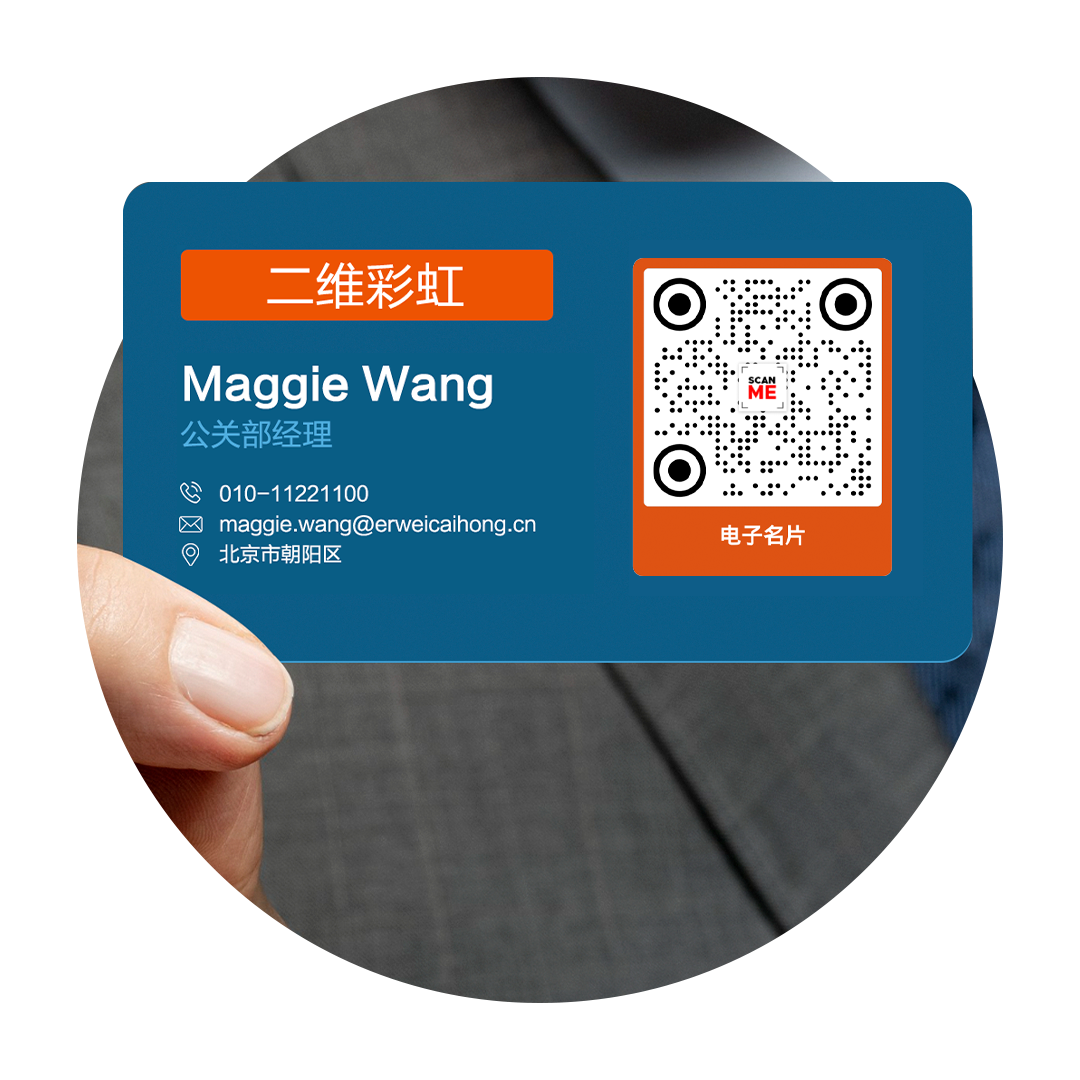
Advanced digital business card generator
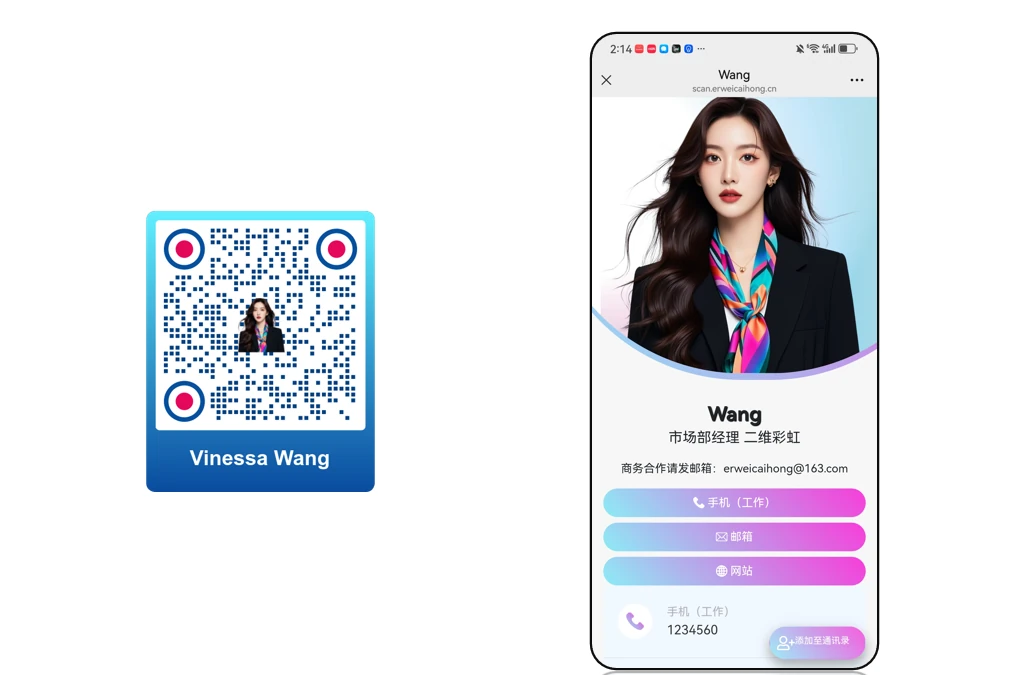
Create a custom virtual business card with a vCard QR code generator. Select your business card template, enter your full details, and generate your custom digital business card QR code.
What is a vCard QR code?
A vCard, or virtual contact card, is a digital solution that stores all your contact details in one secure page. It is a smart networking tool that lets you share your name, contact information, company details, website, social media links, and more with a scan or tap.

Why switch to a digital business card?
Compared to traditional calling cards, vCards are eco-friendly and cost-effective. Since the data is stored online, you can update your personal information and profile links anytime. Best of all, you can track the engagement on your contact page.

vCard + QR codes
A digital business card with a QR code is the new way to connect with high-value contacts in a snap. You can stick the QR at the back of your phone, set it as a wallpaper, or store the vCard in your Apple or Google Wallet for easier sharing whenever and wherever you go.
Use cases
Real-world examples of digital business card QR codes in action

How do I create a digital business card QR code for a salesperson?
The QR code carries a photo, phone number, email, company website and a short bio — one scan saves it all to the phone’s contacts.
View case study
How do I make a digital business card QR code for company executives?
Show clients a rich, well-rounded, digital professional image — a direct expression of both personal brand and company strength.
View case study
How do I build a digital business card QR code for cross-border trade?
Essential for global business: link your company’s social profiles — YouTube, LinkedIn, TikTok, X and more — to demonstrate your credibility.
View case studyHow do I create a digital business card QR code?
Three simple steps to create and customize your QR code
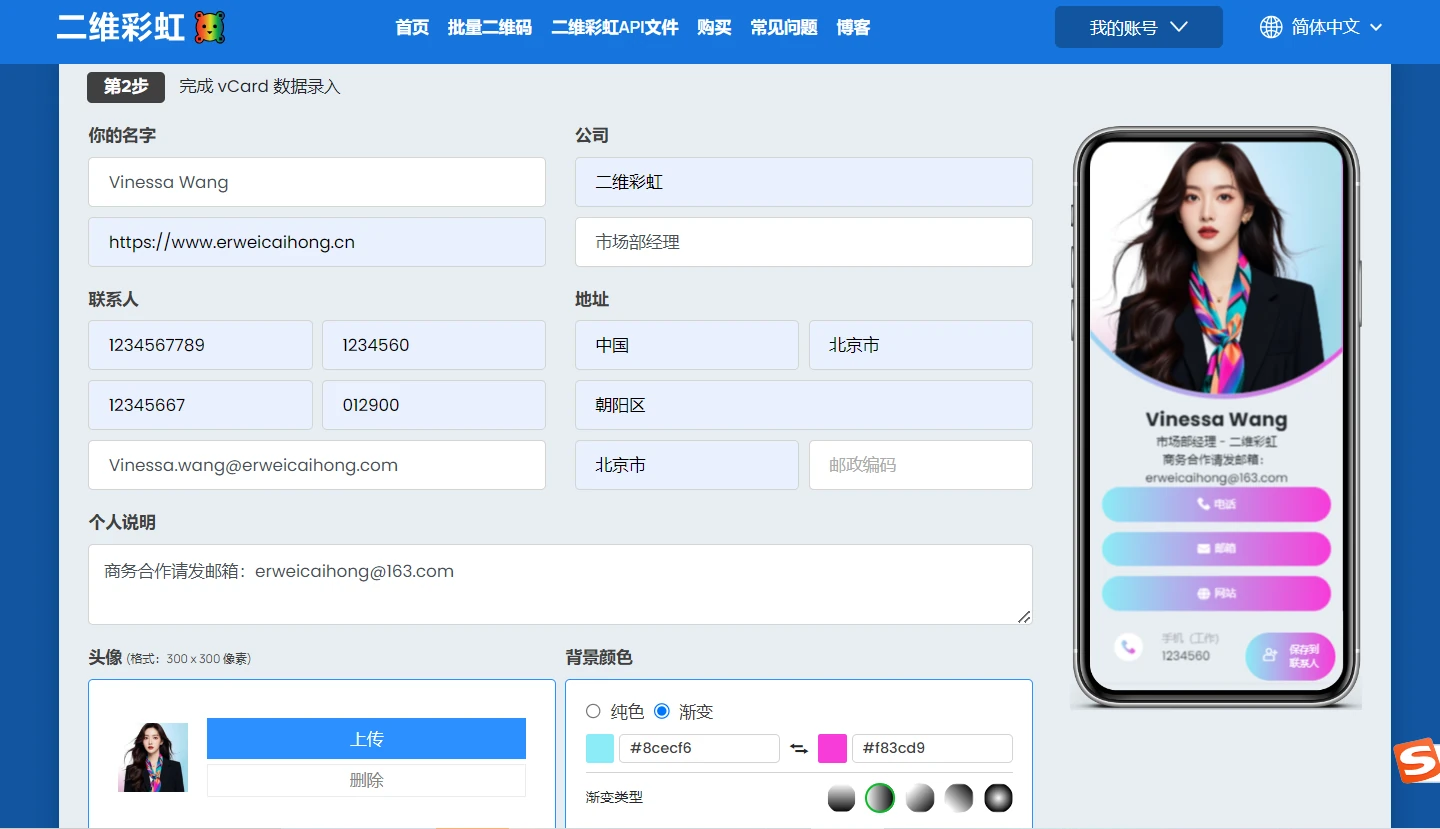
Choose the vCard option, pick a template you like, and fill in the card details: name, job title, phone number, email address, company website, profile photo, bio and so on, then style the page as a whole. Once it is filled in, click Generate QR code.
Customize the look of your digital business card QR code so that it fits your professional image.
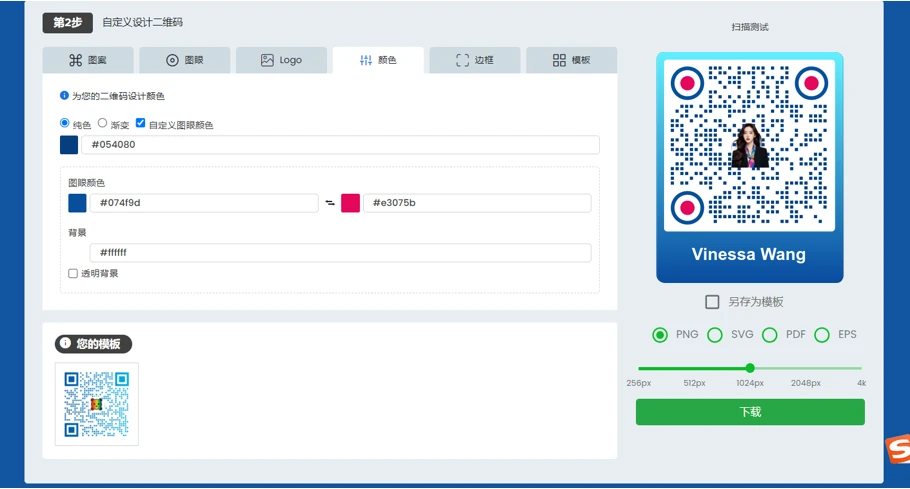
Always scan and test before downloading — check that every detail on the card is correct and that the links open as expected.
Why use a QR code for vCard
QR codes give a digital dimension to anything, and vCards are no exception.
Here’s why they’re a must-have in your virtual contact card:

Saves space in your card—and in your wallet
A single QR printed on your business card or saved in your phone can lead to limitless connections. No need to bring a bulk of paper cards with you every time.
Cost-saving & sustainable
Did you know that more than 80% of business cards are thrown away within the first week of being received? This means a digital business card tremendously increases your chances of making lasting connections.
Compatible with digital wallets
It’s handier than you think. Store your vCard on your Apple Wallet or Google Wallet and carry it around wherever you go.
Built with smart features
Our vCard QRs have built-in features that are connected to your dashboard. Edit your data, track engagement (scan count, times, locations, devices), and more.
Growing demand for digital business cards
A report on 2024 digital business card statistics shows a 40% year-on-year increase in virtual card usage by both businesses and individuals. It’s where things are headed.
Why Fortune 500 companies love our vCard QR code generator
Brands have been using QR TIGER since 2018 for a number of reasons
Customizable digital business cards
Go from creative to professional with a number of templates to choose from, or personalize the layout, colors, fields, and links.
Get access to other applications
QR TIGER offers more than 20 advanced solutions for different needs—URL, link page, social media, digital business cards, file sharing, and more.
Real-time monitoring
Track how your vCard QR performs—the number of scans, time and date, locations, and devices used.
Connects With Other Tools and Software
Connect your account with Canva, Zapier, HubSpot, Monday.com, and more to streamline your workflow between platforms.
Best-in-class support
Your QR codes don’t sleep, and so don’t we. Our customer success managers are available 24/7 to answer your queries.
99.9% service uptime
We take pride in unmatched QR code scanning speed and reliability.
Frequently Asked Questions
Follow Us


Exchange Links

'QR Code' is a trademark of DENSO WAVE INCORPORATED. © 2025 www.qrcode-tiger.com